
Client sites you can hand over.
Your clients change their site by asking Atelier. Underneath it is plain Drupal: your own sections are Drupal modules, a release is a Docker image, and any Drupal developer can take the site over.
Free and open source (GPL-2.0-or-later). Source on GitHub · Download the app
Plate 1 A component pack as the template scaffolds it: a manifest, and an image built from the Atelier release you pin.
api: 1
name: my_pack
requires:
  atelier: '^0.10'
provides: [components]
owns: []FROM ghcr.io/aincient-labs/atelier-cms:v0.10.0
COPY . /opt/drupal/web/modules/custom/my_pack
COPY dev/pack.yml /opt/drupal/packs.d/my_pack.ymlYour sections, in the client’s brand.
The page agent builds from typed single-directory components, and every site gets its own brand: colours, type and spacing, set in the Brand studio. Replace a built-in section’s markup from your own module, or add new sections as a pack. A pack is an ordinary Drupal module with a live-reload dev loop, and its CI builds and tests the image you ship.
Restyle a built-in section with your own markup, styled through the design tokens.
Bring your own components in the docsAdd sections to the agent’s palette:
Component packs in the docsatelier pack new my_pack.Turn components off site-wide, and limit what each kind of page may use.
Component library in the docsMake the brand warmer and set headings in something more editorial.
Brand studio in the docs
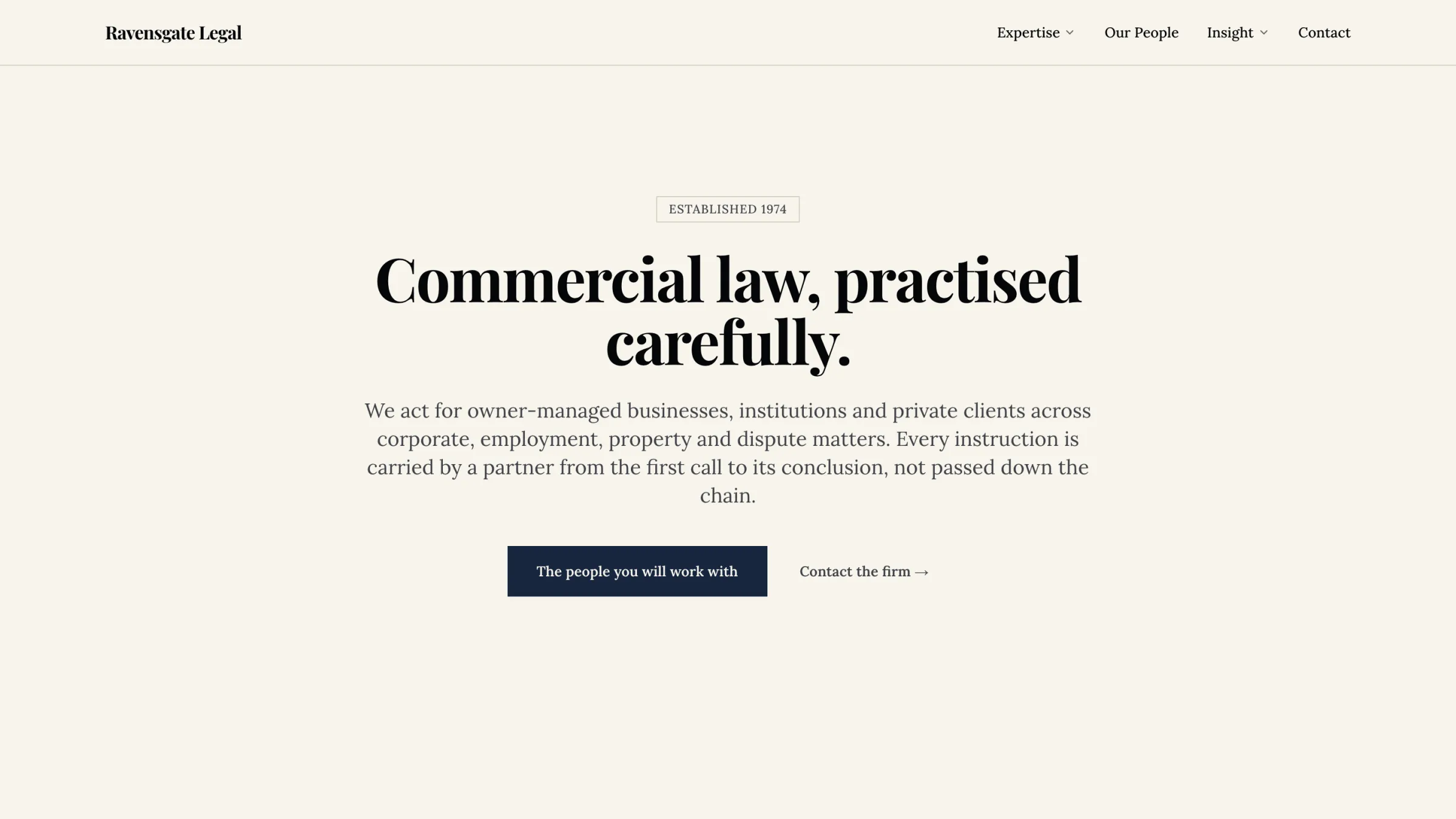
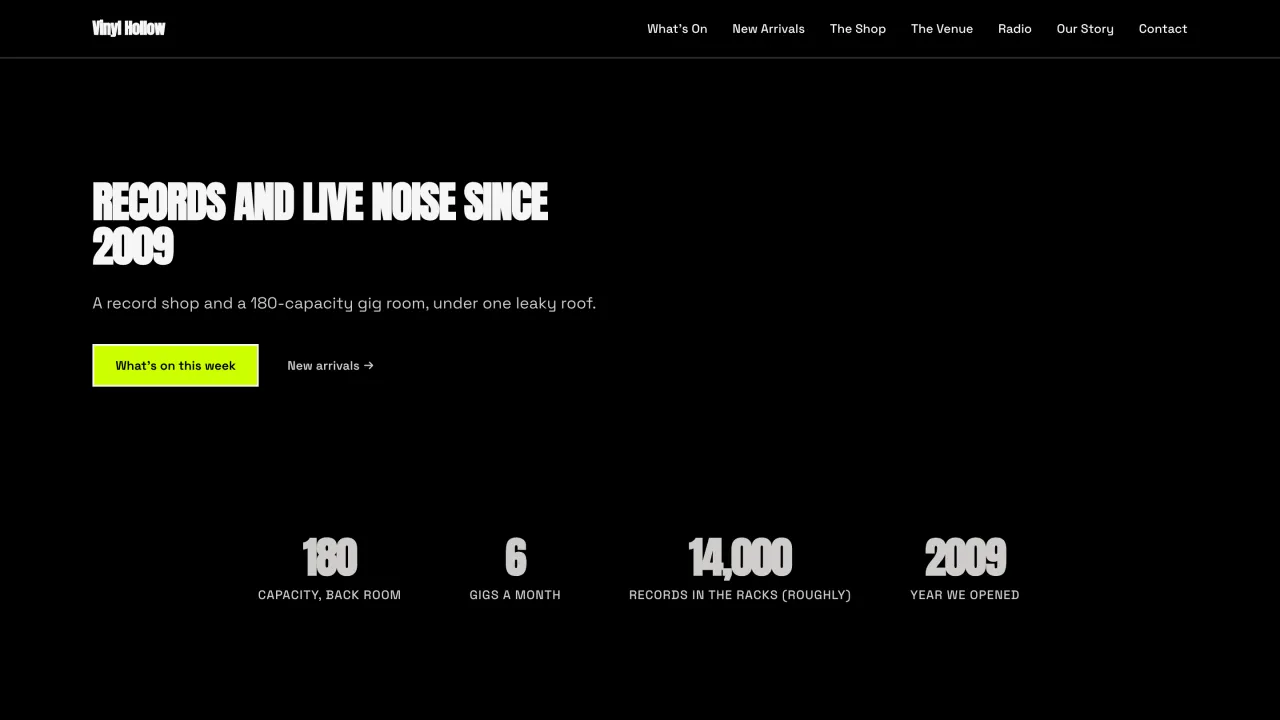
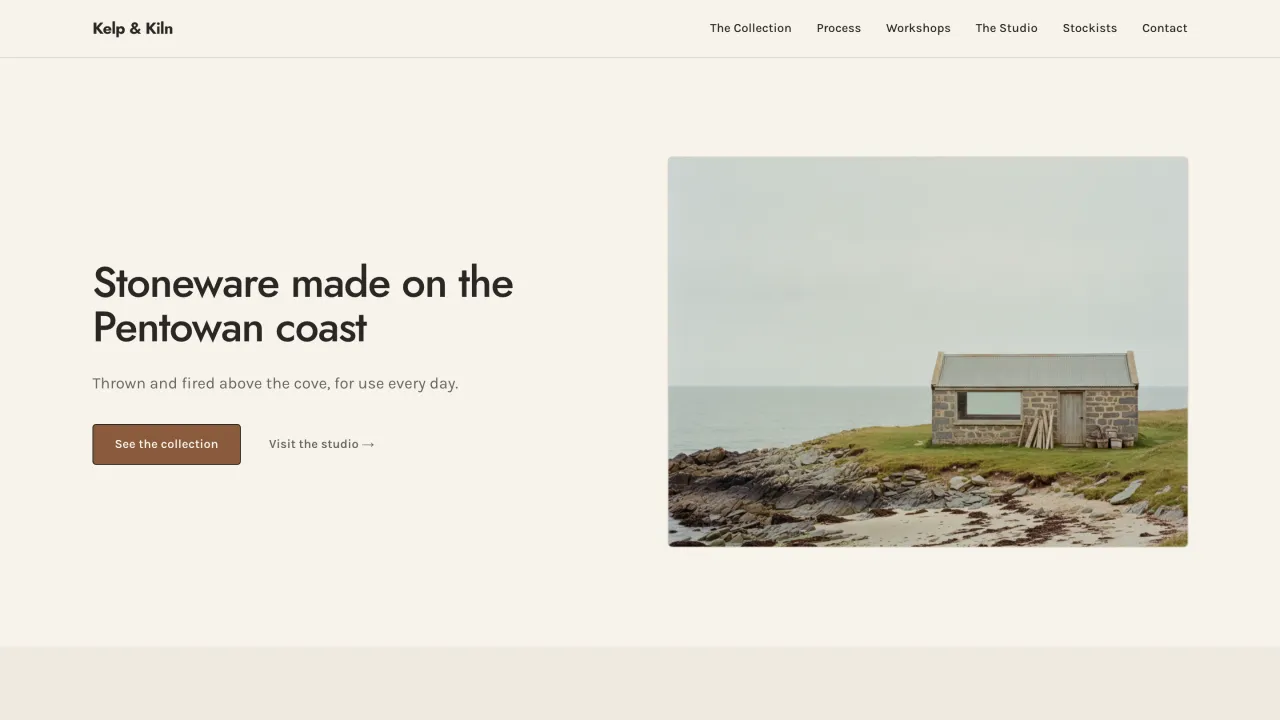
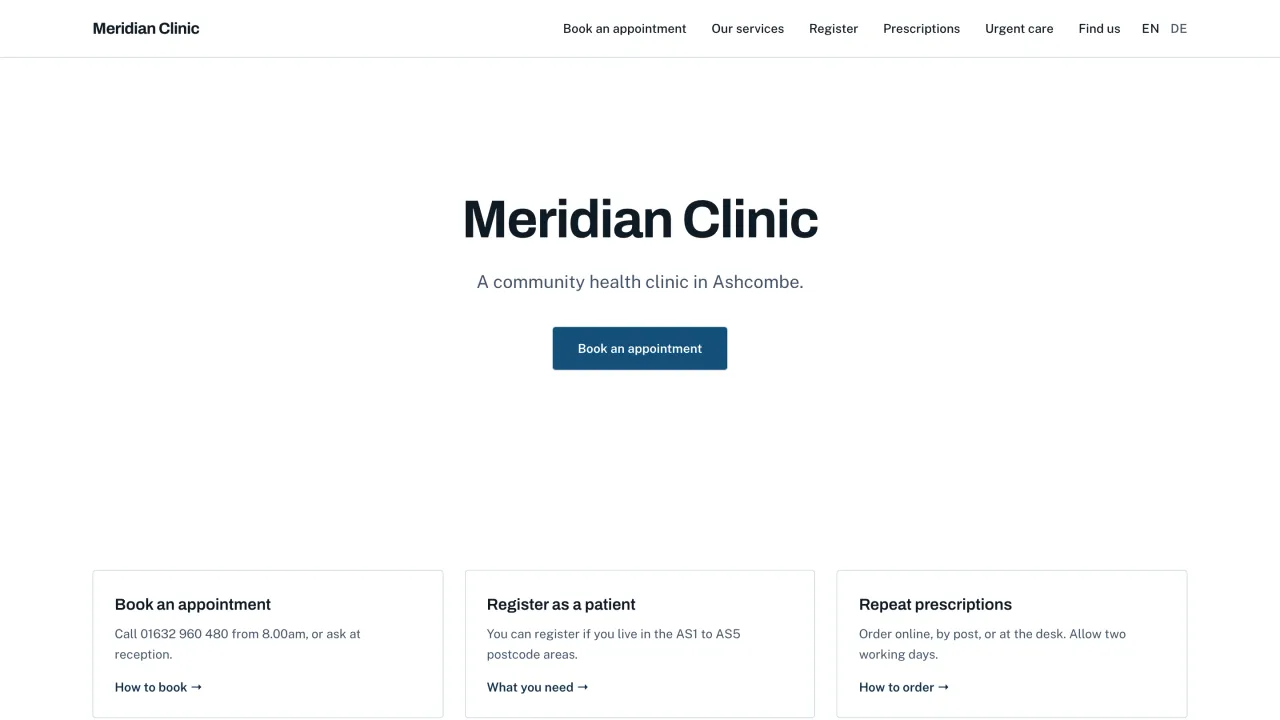
Run every client site from one terminal.
Atelier ships as a versioned Docker image that brings its own database up to date when it starts. The Manager, a desktop app and the atelier CLI, installs, updates, backs up and restores each site, on your machine or on a server over SSH.
Run several sites side by side, each with its own data, port and backups.
Several sites in the docsAttach a site on a server and update, back up and restore it over SSH.
Server sites in the docsServe a frozen snapshot while the client keeps editing, and switch back in one step.
Freeze & Live in the docs
- sites add shop --host deploy@vps.example.comattach a server site
- --site shop data backupback it up
- --site shop site freeze --label "Launch"serve a snapshot
- --site shop site liveback to live
- app update --allupdate every site
Nothing you have to keep paying for.
Atelier is free, and it never stands between your client and their AI provider. The site, its data and the key belong to the client.
-
The client pays their AI provider
The client connects their own key during set-up, or a server running Ollama, and Atelier shows AI usage and cost for every turn.
-
Plain Drupal underneath
Sections are Drupal single-directory components and packs are Drupal modules, so any Drupal developer can read and take over the site. The source is on GitHub.
-
Host the output anywhere
Export the published site as static files and put them on Netlify, Cloudflare Pages, Vercel, GitHub Pages or any web host.
-
A runbook for bad days
When a security advisory affects a site, or you suspect an attack: contain, fix, check and recover. Security releases are announced with their own feed.
Set up your first client site.
Start with the docsPrefer to read with an assistant? The whole documentation as plain text.